
Community
Share how OpenXPlay works with your head unit, swap experiences, report problems, and help test and develop the project.
Join
| Channel | How to join |
|---|---|
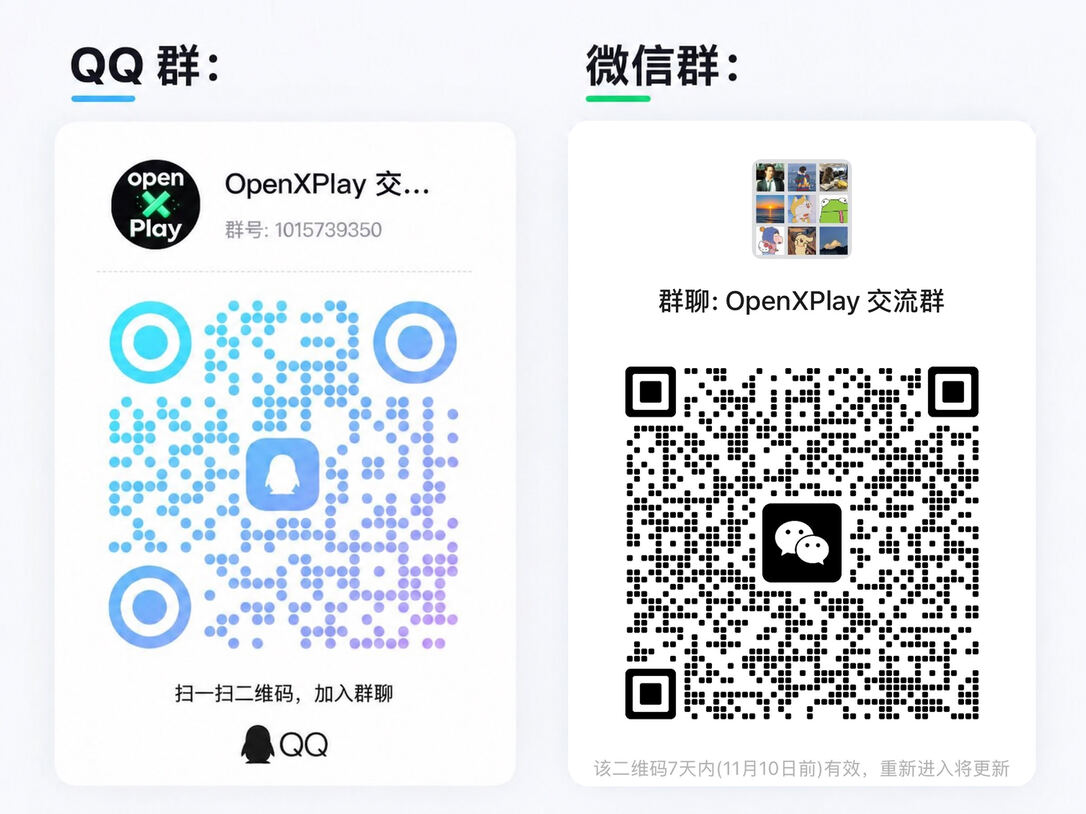
| QQ group | 1015739350, or scan the QR code below |
| WeChat group | Scan the QR code below |
| Discord | discord.gg/j3cKd5Tax |
Reporting a problem
When you report a compatibility problem, include the head unit model, its system version, the route you used and what happened. A report from Check your head unit helps too. Before asking, have a look at Troubleshooting.
Sharing your head unit
- Open Check your head unit in the head unit’s browser, copy the report and post it with the head unit model and its system version. Reports help other drivers with the same head unit.
- On the Android relay, Settings → Car and screen can copy your head-unit screen data for the developers, so a later release can include your car; see Choose your car.
Contributing
To build OpenXPlay or contribute code, see Developers.